
Card receipts in Xero: a bill or spend money.
A receipt paid by card can go into Xero as spend money on its bank line, or as a bill that the bank line is matched to. Here is what each is for, how matching works, how to keep from entering a purchase twice, and how FreeAgent draws the same line.
Last updated
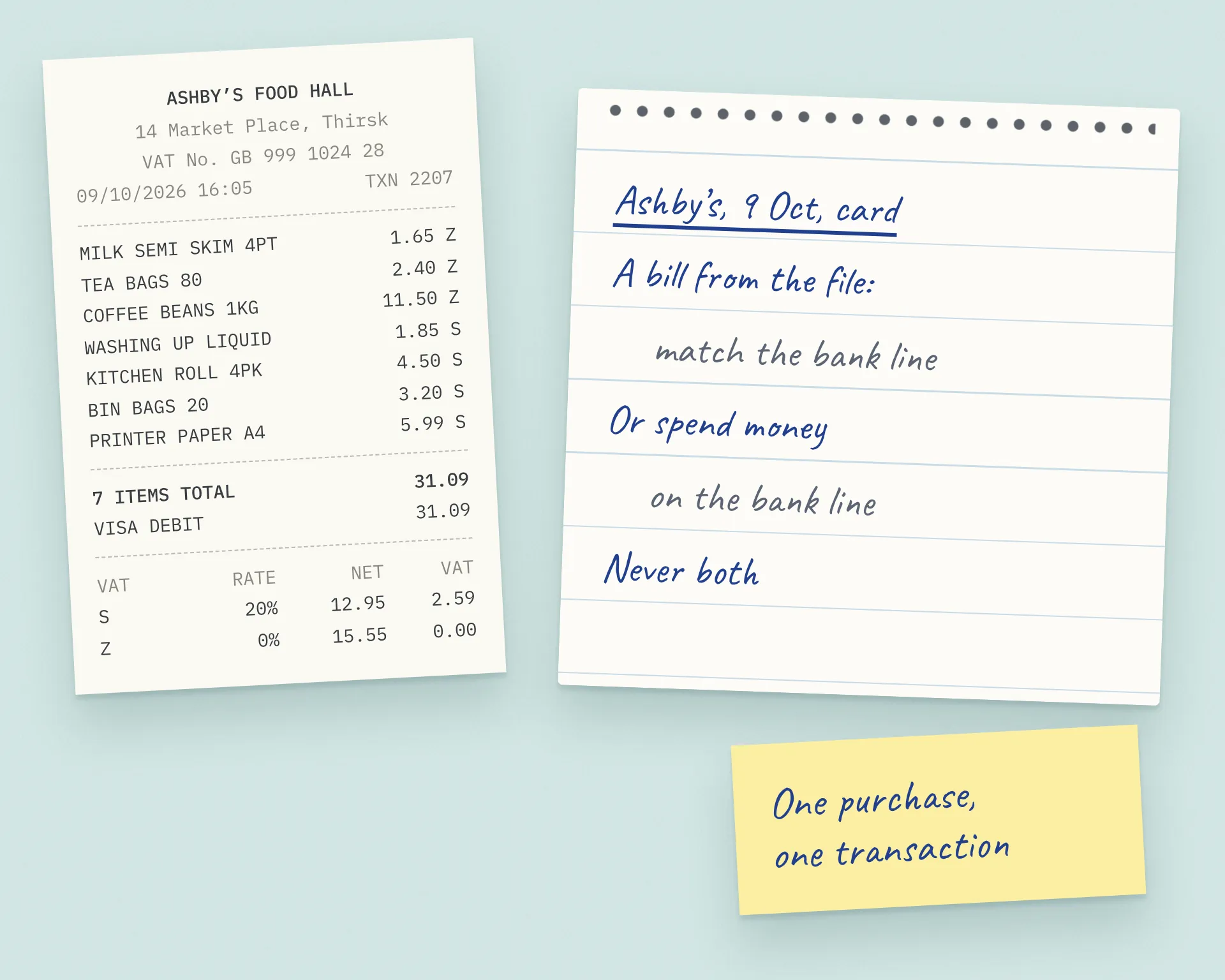
In short
- Spend money is for money spent that is not a bill, expense claim or refund.
- A bill is paid by matching its bank line to it in reconciliation.
- Card receipts can be either; choose one per client and enter each purchase once.
- With receipts in as bills, match first, and keep bank rules from creating spend money for the same suppliers.
Daybook’s import files bring each approved receipt in as a bill or purchase invoice, ready to match to its card payment on the bank feed. How Daybook writes the import file
Contents
The difference between a bill and spend money in Xero
- A bill
- A supplier’s invoice entered in Purchases, then paid: in reconciliation its bank line is matched to the bill, which is then paid.2
- Spend money
- Money spent that does not relate to a bill, expense claim or refund, such as fuel for the company car. It is created on the day, or during bank reconciliation, and needs the administrator or standard + bank accounts role.1
Xero records a payment by credit or charge card as at the date of the statement line, which it says is in line with the time of supply.1
Which to use for a receipt paid by card
A till receipt paid on the spot fits Xero’s spend money: it was never a bill waiting to be paid. Entered on the bank line during reconciliation, it uses the bank line’s date and amount, and the receipt is attached to it.1
Receipts can also go in as bills, for example when a month of them is imported from a file, so that each has its supplier, VAT and attachment before the bank lines arrive. Then the card payment is matched to the bill during reconciliation, exactly like a supplier’s invoice paid by bank transfer.2
Either way works. What matters is choosing one per client and sticking to it, and that each purchase is entered once.
Matching the bank line to a bill
- Open the bank account and click Reconcile [number] items.
- Xero compares each statement line with the transactions already in Xero, bills included, and suggests the closest one; with several, the one with the closest due date.
- If it is the right bill, click OK. If not, look at the other possible matches, or use Find & Match to search for it.
Each step is in Xero’s own guide to reconciling.2
Not entering a purchase twice
A purchase is entered twice when it is a bill and its bank line is then given a new spend money transaction instead of being matched. Xero’s reconcile screen offers both: existing transactions to match, and new ones to create from a bank rule or an earlier line.2 With receipts going in as bills, match first, and check bank rules do not create spend money for the same suppliers.
The same shows up in the VAT return: the VAT on that purchase is claimed twice.
Bills and bank transactions in FreeAgent
Card receipts from Daybook into Xero
Daybook’s Xero file brings each approved receipt and invoice in as a draft bill, with its supplier, number and VAT by rate; after approving them in Xero, each card payment is matched to its bill in reconciliation.3 The originals go to Xero’s Documents inbox (importing bills into Xero).
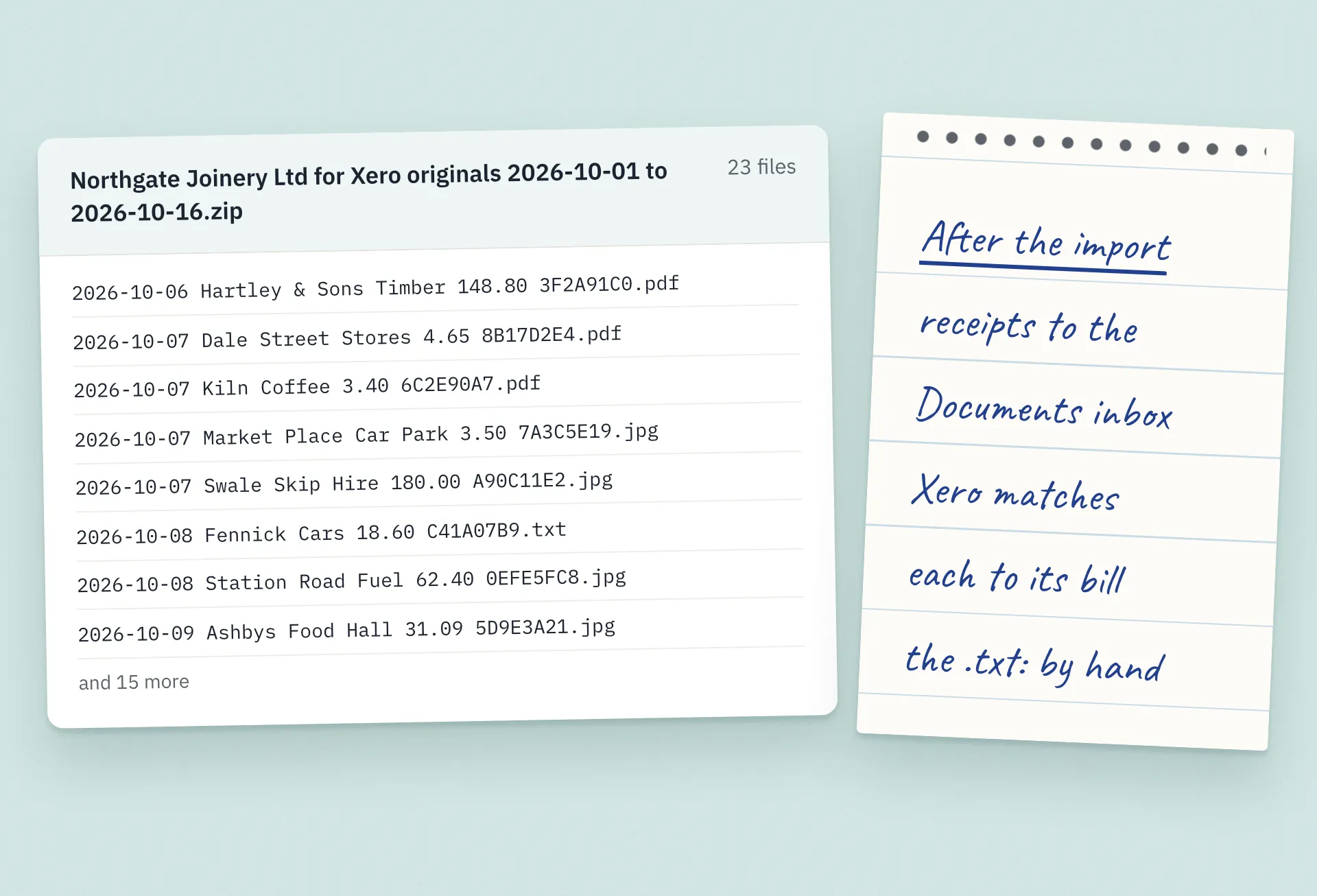
The other programs’ files work the same way: each document arrives as an unpaid bill or purchase invoice, to be matched to its bank line.
Doing this for clients every month? Try Daybook on one client’s month: free for 14 days, no card needed.
Questions
What is the difference between a bill and spend money in Xero?
A bill is a supplier’s invoice entered to pay; spend money records money spent that does not relate to a bill, expense claim or refund.1
Should card receipts be bills or spend money in Xero?
Either: spend money on the bank line, or a bill whose card payment is matched to it in reconciliation. Choose one per client, and never both for the same purchase.
How do I mark a bill as paid from the bank feed?
In reconciliation, accept the bill Xero suggests for the bank line, or find it with Find & Match, and click OK.2
Read next
- Importing bills into XeroBills and credit notes from one CSV file, then each receipt matched to its bill.
- Importing a bank statement into XeroThe CSV template, the two columns Xero needs, duplicates and deleting a statement.
- Duplicate billsWhat Xero, QuickBooks and Sage check, finding duplicates already entered, and removing them.
- How Daybook writes the import fileThe same job in Daybook Capture, for every client.
Sources
Every fact on this page was checked against these on 19 October 2026.
- Create a spend money transaction (opens in a new tab), Xero Central.
- Reconcile your bank account (opens in a new tab), Xero Central.
- Import bills and credit notes (UK) (opens in a new tab), Xero Central.
- What’s the difference between an expense, a bill and a bank transaction? (opens in a new tab), FreeAgent support, updated 18 October 2026.
- Import a client’s accounting data (opens in a new tab), FreeAgent support, updated 28 September 2026.